⏱️ Do It Now
Create a OneNote Page and copy this into the title:
Lesson 3 - Summer Term 2 - Flex-Boxes
Copy this into a OneNote Page and complete it
|
📝 Do It Now |
|
Answer each of the following: (1) In an anchor tag, what does href do?
(2) In an anchor tag what does target="_blank" do
(3) Why would you choose to use target="_blank" to link to external websites, but not use it to link to a page on your own website? |
|
Extension Question If I create a revision website and create external links to other websites. Will my students always be able to access the content at these links? |
🎯 Learning Objectives
- LO1: We will learn how flex-boxes can aide the layout of a webpage
- LO2: We will learn how to position text and images side-by-side with a flex-box
- LO3: We will learn how to add further styles to a flex-box
🔎 Creating A Flex-Box
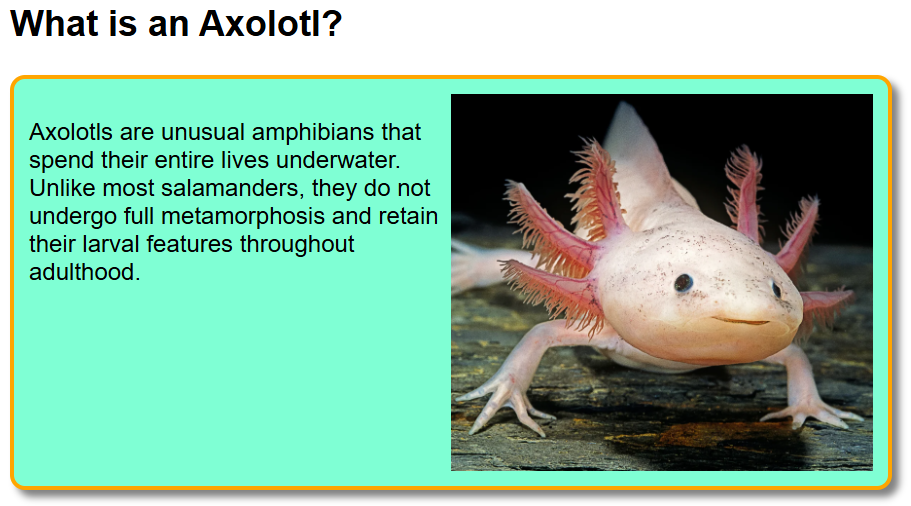
Your teacher will show you how an image and a paragraph can be placed side-by-side in something called a flex-box
To do this you must open the DEMO PROJECT and save a copy
Alternatively...
🎥 Watch THIS VIDEO to see the same demonstration
📝 Written Activity
Copy this into your OneNote Page and complete it
|
📝 Independent Activity - Flexboxes |
|
Instructions:
|